How to Fix Resin Printing Failures in Cold Weather?
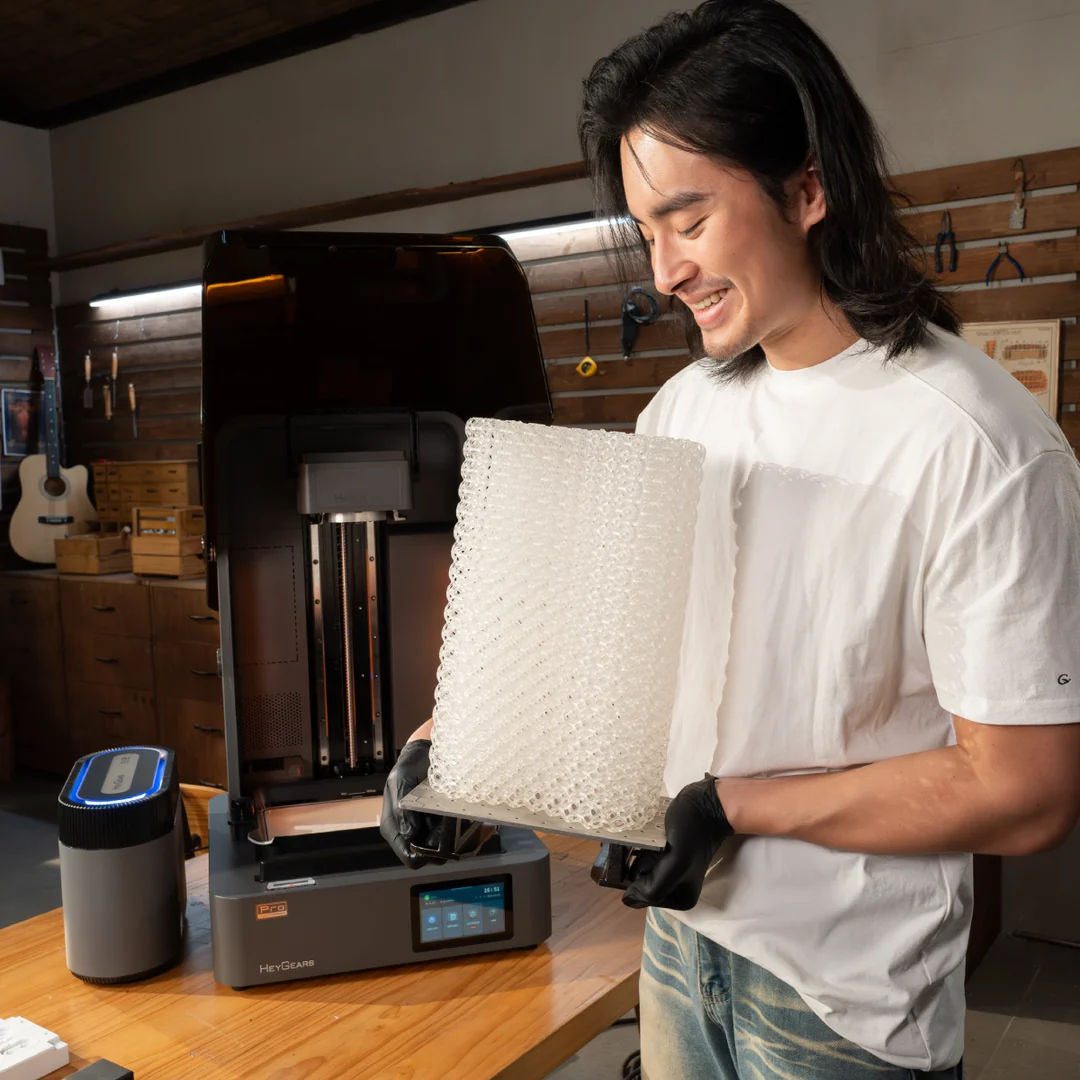
Cold weather is a common cause of failures on a resin 3D printer. If your file and leveling did not change, temperature is often the reason. Most resins print best at 20°C to 30°C. Below that, resin gets thicker and cures slower, which can make prints stick to the vat, split, or drop off the build plate. Control the temperature and the failures usually stop.
Why Low Temperatures Ruin Prints
Temperature directly affects the physical properties of the resin. Most manufacturers recommend a printing environment between 20°C and 30°C (68°F – 86°F). When the temperature drops below this range, two specific problems occur that ruin your prints.
High Viscosity Causes Flow Issues
First, the resin becomes thick even on the best 3d printer when temperatures drop. In winter, it becomes thick and slow. This is called high viscosity. Thick resin cannot flow back under the build plate quickly enough between layers. This leads to gaps or holes in your model. Even a high-end printer will struggle to print successfully if the liquid is too thick to move evenly.
Cold Slows Down Curing
Second, the curing process slows down chemically. The light from the UV screen triggers a chemical reaction to harden the liquid. Heat helps this reaction, while cold hinders it. In a cold room, the standard exposure time is not long enough to harden the layer completely. This causes the layers to separate (delamination) or the supports to break under the weight of the model.
Simple Pre-heating Techniques
The quickest solution is to warm up the resin before you start printing. This is a temporary fix, but it costs nothing and requires no extra equipment.
The Warm Water Bath Method
This is the safest method. Fill a bowl with warm water, not boiling water. Place your tightly sealed resin bottle into the water. Let it sit for 10 to 15 minutes. Shake the bottle gently every few minutes. This ensures the heat distributes evenly inside the bottle, bringing the resin up to a workable temperature.
Using a Hair Dryer or Heat Gun
You can use a heat gun or hair dryer to warm the vat and build plate before pouring resin. Keep the airflow moving and use low heat. Do not heat one spot for too long, or you may damage the LCD or electronics. This only helps at the start, since the resin can cool during long prints.
Maintaining Consistent Heat
For reliable results, you need a stable environment. A stable temperature is more important than the machine itself. You could own the best 3d printer on the market, but it will still fail in a freezing garage without environmental control.
Installing a Fermentation Belt
Fermentation belts are heating bands originally used for home brewing. They are cheap and highly effective for 3D printing. Wrap the belt around your resin vat and plug it in. The belt provides gentle, constant heat directly to the resin source. This keeps the material at the perfect fluidity for hours, regardless of the room temperature.
Using a Small Space Heater
If you have an enclosure or a tent for your printer, place a small space heater inside. A heater with a thermostat is ideal. It will turn on and off automatically to maintain a specific temperature. This is a comprehensive solution because it heats both the liquid resin and the mechanical parts of the printer, preventing any metal components from becoming too cold.
Adjusting Slicer Settings for Cold
If you cannot add a heater, you must change your software settings. You need to compensate for the cold resin by making the printer work slower and harder.
Increasing Exposure Times
Since cold resin reacts slowly, you must give it more time to cure. Increase your “Normal Exposure Time” by 0.5 to 1.0 seconds. If you usually print at 2.5 seconds, try 3.0 seconds. Additionally, increase the “Bottom Exposure Time” by 5 to 10 seconds. This ensures the first few layers grip the build plate firmly and do not fall off.
Slowing Down Lift Speeds
Cold, thick resin creates more suction force in the vat. It pulls hard on the model every time the plate lifts. To fix this, reduce your lift speed by about 20%. A slower movement is gentler. It reduces the physical stress on the model and prevents it from ripping apart or detaching from the supports.
Conclusion
Cold resin flows slow and cures slow. That is why prints fail in winter. Warm the resin before printing. Keep the printer area warm if you can. If you cannot, increase exposure and slow the lift speed. Once temperature is stable, prints become reliable again.
Disclaimer
The information provided in this article is for general educational and informational purposes only. While every effort has been made to ensure accuracy, resin 3D printers, resins, and environmental conditions can vary widely between users, brands, and setups. The tips and techniques described may not work in all situations and should be applied with care.
Always follow the safety guidelines, operating instructions, and temperature recommendations provided by your printer and resin manufacturer. The use of heaters, heat guns, space heaters, or other warming devices carries potential risks, including damage to equipment, fire hazards, and personal injury if used improperly. The author and publisher are not responsible for any damage, loss, or injury resulting from the use or misuse of the information in this article.